
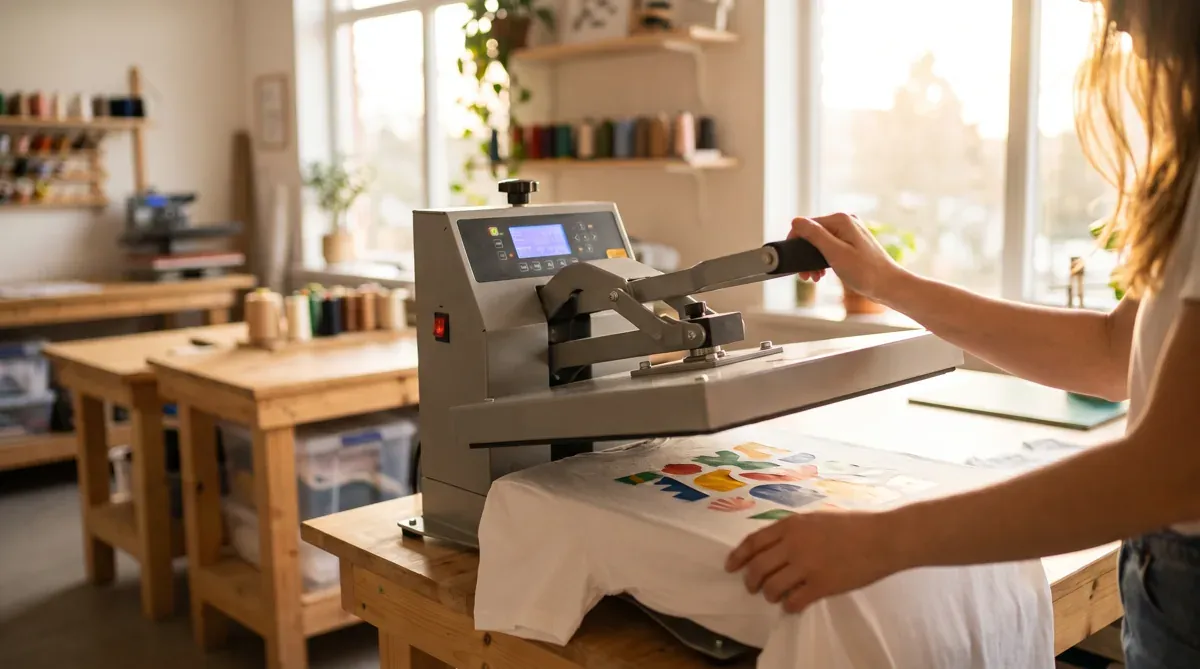
Dialing in your heat press is the difference between a transfer that lasts for years and one that peels after a wash. Use these starting points, then always follow the instructions included with your order — films and presses vary.
General DTF press settings
Most DTF transfers press at roughly 300–320°F (150–160°C) for 10–15 seconds with medium pressure, followed by a short second press after peeling.
Settings by fabric
| Fabric | Temp | Time | Notes |
|---|---|---|---|
| 100% cotton | 305–320°F | 12–15s | Most forgiving; firm pressure |
| Polyester | 270–290°F | 10–12s | Lower temp to avoid scorching/dye migration |
| Cotton/poly blends | 290–310°F | 12–15s | Split the difference |
| Performance / spandex | 270–285°F | 8–10s | Low temp, watch for heat marks |
| Nylon | 275–290°F | 10–12s | Low–medium pressure, test first |
| Canvas / tote bags | 310–320°F | 15s | Firm pressure for thick material |
Peeling and curing
- Pre-press the garment ~5 seconds to remove moisture and wrinkles.
- Peel hot or cold per your film type.
- Second press ~5 seconds (use a cover sheet) to lock in durability.
Avoid these mistakes
- Too little pressure or time → poor adhesion and early peeling.
- Too much heat on polyester → scorching or dye migration (color bleeding into the print).
- Skipping the final press → reduced wash durability.
New to pressing? Read how to apply a DTF transfer and why transfers crack or peel. Ready to print? Start your order.